UPort OTA Update Guide
danger
Do not power off the device during the update.
warning
Before starting OTA, make sure your connection to UPort is wired and that the computer's network connection is working.
For details, see USB Connection Guide and Backend Access.
Step 1 Connect to the Backend
Open the UPort backend at http://192.168.123.1 and click Device Info.
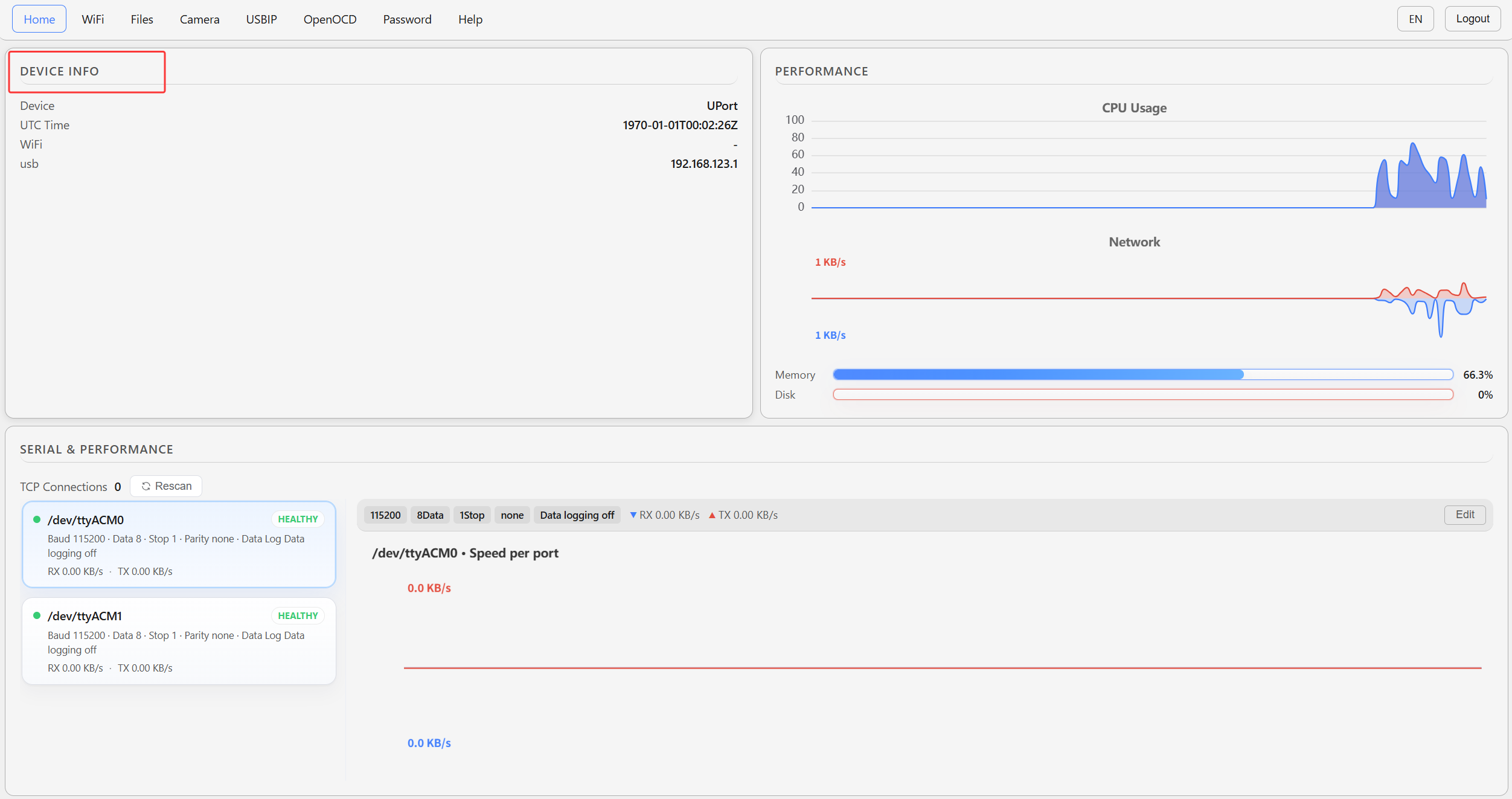
Step 2 Check for Updates
Click OTA to check for updates.
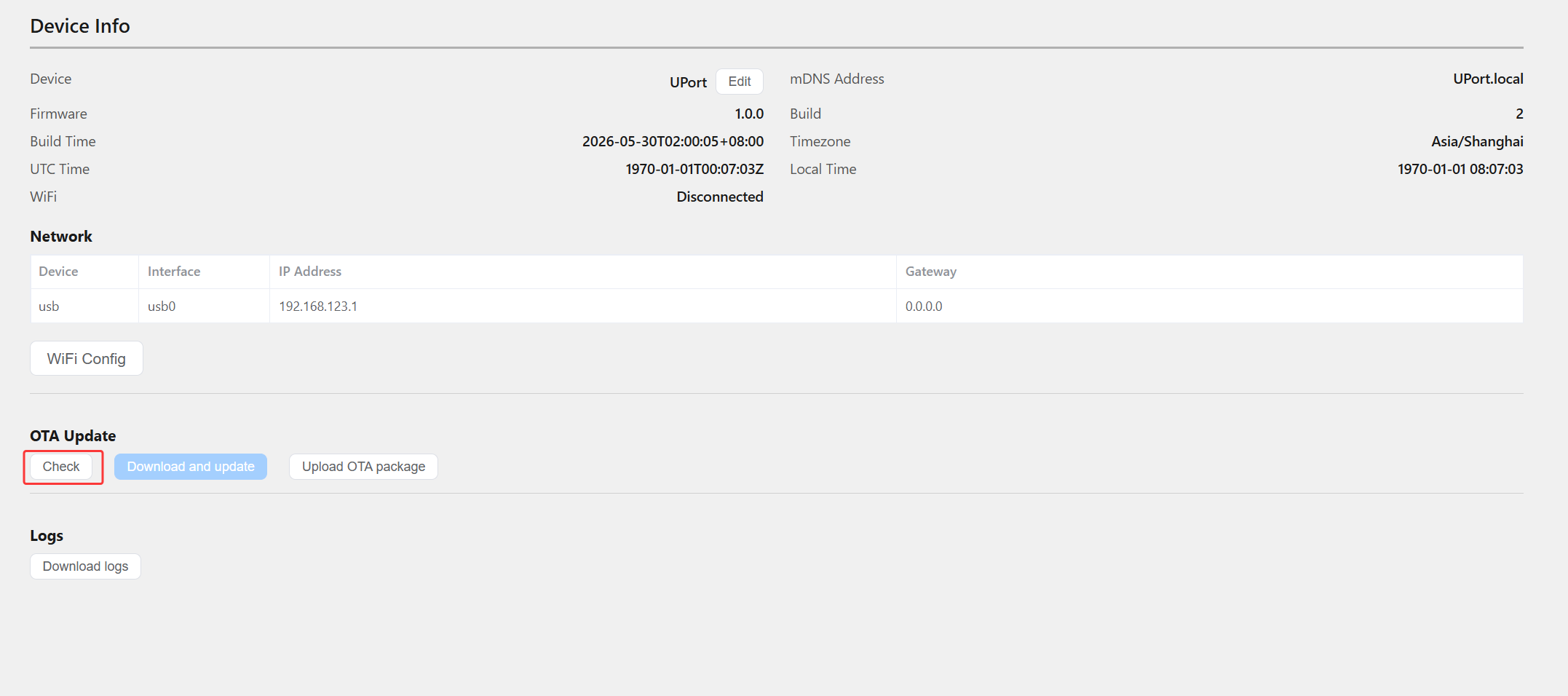
Step 3 Start the Update
If a newer version is available, click the blue Download and Update button to start the update. After the update finishes, the system automatically restarts and all user configuration is preserved.
