UPort Wi-Fi Connection Configuration
UPort supports 2.4 GHz and 5 GHz Wi-Fi wireless connections, including WPA and WPA2 encryption. You can configure the connection from the Web UI or from the device screen.
Connect from the Web UI (Recommended)
See USB connection configuration. After connecting the device to your computer with a wired connection, open http://192.168.123.1 in a browser, select "Wi-Fi" at the top, and enter the Wi-Fi settings screen.

Connect from the UPort Screen
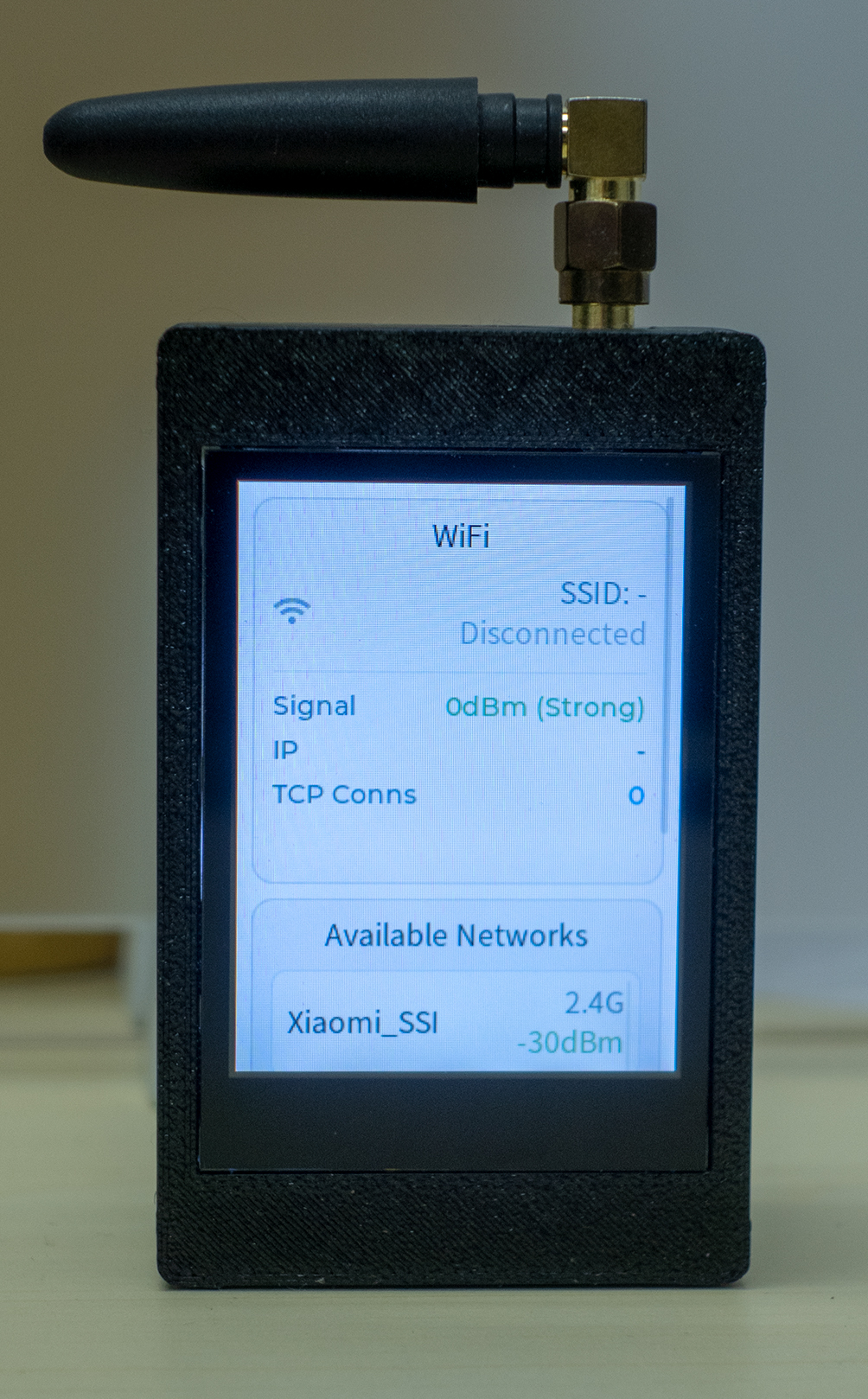
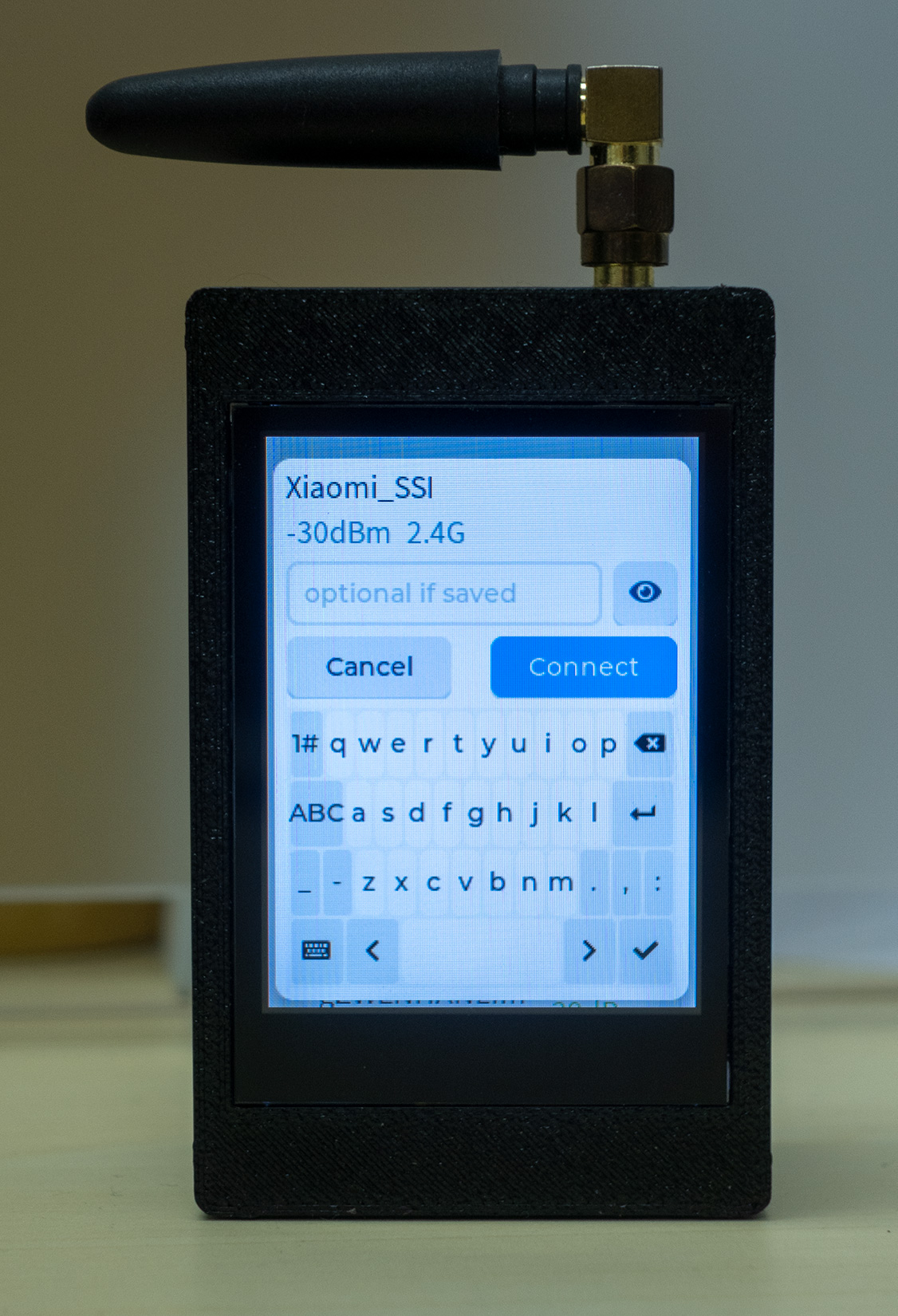
After the screen turns on, swipe right to the second Wi-Fi screen. Swipe down to the Available Networks list, select the Wi-Fi network and band to use, enter the password, and tap Connect.